


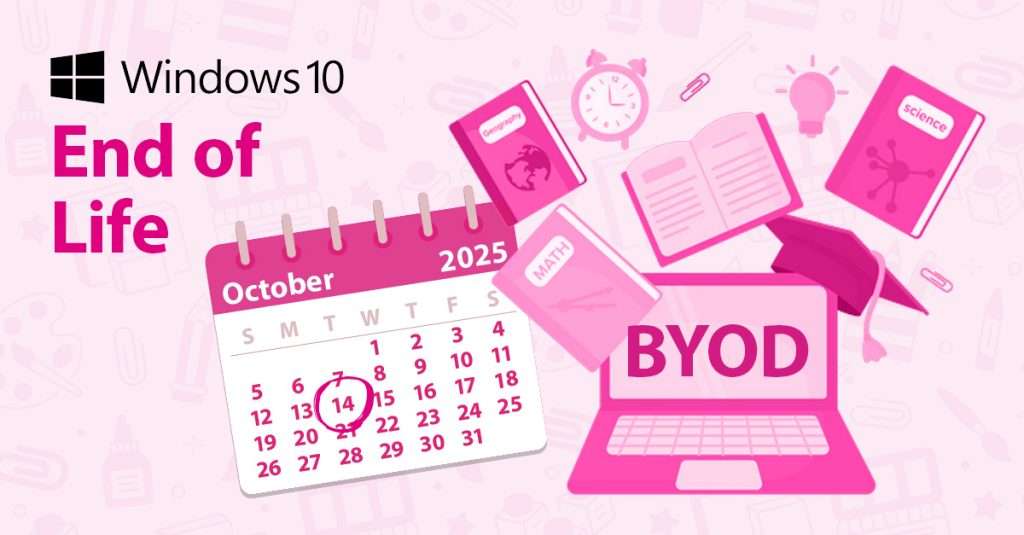

As Microsoft prepares to end support for Windows 10, schools across the UK are facing a critical moment to reassess their Bring Your Own Device (BYOD) policies.
While BYOD has long been a convenient solution—especially in environments like boarding schools where students often use personal devices outside of classroom hours—it is increasingly becoming a liability in terms of security, compliance, and IT management.
BYOD in Schools
Many schools today allow pupils to bring their own laptops, tablets, or smartphones to connect to the school’s network.
This flexibility has been particularly useful in boarding schools, where students need access to digital resources during evenings and weekends.
However, this convenience comes at a cost. Personal devices vary widely in terms of operating systems, security configurations, and update status.
Without proper oversight, these devices can introduce vulnerabilities into the school’s IT infrastructure.

The Problem: The End of Support for Windows 10
Microsoft’s end of support for Windows 10 means that devices running this operating system will no longer receive regular security updates—unless they are enrolled in the Extended Security Updates (ESU) program, for an additional annual fee.
This creates a significant risk for schools still allowing unmanaged Windows 10 devices on their networks. Without updates, these devices become easy targets for malware, ransomware, and other cyber threats – threatening your school’s digital security.
The Solution: Conditional Access Policies
To address these challenges, schools should implement a Conditional Access Policy (CAP).
This policy ensures that only devices meeting specific security criteria can access school systems and data. Using tools like Microsoft Azure and Intune, IT administrators can enforce rules that block access from non-compliant devices.
For example, a CAP can be configured to allow only devices running Windows 11 or those enrolled in the Windows 10 ESU program.
This approach not only enhances security but also simplifies IT management by ensuring that all connected devices meet a baseline standard of compliance.
Moving Beyond BYOD: The Case for 1:1 Parental Leasing
While Conditional Access Policies are a strong step forward, many schools are choosing to go even further by moving away from BYOD altogether.
A growing number of institutions are adopting a 1:1 parental leasing model, where each student is provided with a school-approved device that parents pay for on a monthly basis.
This model offers several advantages:
- Standardisation: All students use the same type of device, simplifying support and classroom integration.
- Security: Devices are pre-configured with the latest security settings and updates.
- Support: Schools benefit from professional IT support and lifecycle management through services like Devices for Teams.
By shifting to a 1:1 model, schools can eliminate the inconsistencies and risks associated with BYOD, while also providing a better digital learning experience for students.
How We Can Help
To help schools navigate this transition, we’re offering a free 15-minute initial assessment.
This consultation will help you understand your current risks and opportunities. From there, we provide a comprehensive audit and transition plan starting from just £350.
Our team will work with you to develop and implement a tailored Conditional Access Policy and guide you through the move to a more secure and manageable device strategy.
Don’t wait until Windows 10 support ends—take action now to protect your school’s digital environment.

Ryan may have been with HardSoft since 2008, but has confessed he “might still be on probation, we haven’t really talked about it”. The move to Devices for Teams by HardSoft was a natural one for him. “I like a challenge and prefer solution selling or trying to find the right product for a task”.
Ryan specialises in MDM, Jamf and Cisco Meraki and his interests include Films, Gaming and a proper cup of tea!
LinkedIn: Ryan Kelly
Email: [email protected]
Tel: 0204 551 0473