



Quick Summary
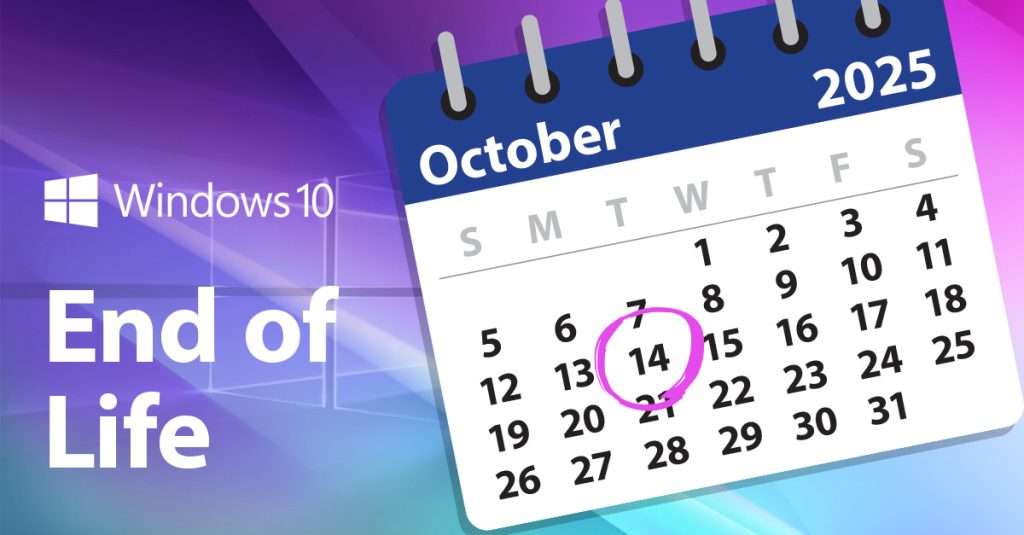
All good things must come to an end – even operating systems like Windows 10 (for which support will be ending from 14th October 2025).
We know change can be scary, especially if the majority of your school’s devices will need upgrading – but worry not, because we’re here to help.
Within this article, we’ll discuss how to prepare for the end of Windows 10, the importance of upgrading to Windows 11, and how Devices for Education Teams can help to make your transition process as smooth as possible.

Why is Windows 10 support ending?
Before we dive into how you can prepare your school for the transition, it’s important to understand why support will be ending and what this could mean for your school if you choose not to upgrade your device’s operating systems.
When Windows 10 was first launched in 2015, Microsoft made a commitment to supporting it for 10 years. Since then, of course, Windows 11 was released, which trumps Windows 10 in terms of design, security, and features.
As Windows 10 has reached the end of its natural, pre-determined lifecycle, and Windows 11 has become the standard, Microsoft have made the decision to end their support by October 2025.
What will happen if you keep using Windows 10 devices for education?
In short, if you keep using Windows 10 devices, it will mean you will receive no more security updates, bug fixes, or technical support for the operating system.
Your devices won’t suddenly stop working – but they will become a lot more vulnerable to security threats and software compatibility issues.
For example, an art or photography student might use software such as Adobe Photoshop or InDesign for their coursework.
Schools not upgrading to Windows 11 could leave those students stuck using an older, slower version of the software, impacting their productivity and efficiency, and ultimately, the quality of their work.
Or alternatively, let’s say you’re an IT director at a school.
Leaving your schools devices on Windows 10 will leave them vulnerable to phishing attacks and malware, increasing the workload for your IT department due to increased viruses and breaches.
Even generally, staying on Windows 10 could lead to compliance issues for schools in terms of privacy, safeguarding, and other online safety practices.
How to prepare your school for the end of Windows 10
So, now you know why support is ending for Windows 10, and how important it is to ensure you upgrade your devices to maintain security, efficiency and productivity within your institution.
You might be wondering: what do I do now?
Here’s some steps on how you can prepare for your upgrade to Windows 11:
- Audit Your Devices. Check which ones are still running Windows 10, and check whether they meet the hardware requirements for a Windows 11 upgrade. If this task seems daunting, don’t stress – you can book an audit with one of our experts to do it for you.
- Plan your upgrade. For compatible devices, we recommend planning a phased upgrade to Windows 11. If you find your devices don’t meet the hardware requirements, then it could be time to consider upgrading to new hardware. Book a call with one of our account managers who can advise you on the best tech for your business needs.
Want to learn more?
If you’re not sure you’re ready to commit to an audit, but still have a couple of questions about the upcoming death of Windows 10, then you can book a complimentary 15-minute chat with our solutions engineers.
This free consultation can help you to identify and address challenges your business may face with Windows 10. Our engineers can offer tailored advice to help you prepare for the transition.
Why Listen to Us?
At Devices for Teams, we’ve helped hundreds of businesses and schools navigate major IT transitions—smoothly, securely, and without disruption.
With over 40 years of experience in device lifecycle management, we understand the challenges that come with upgrading operating systems, especially when time, budgets, and resources are tight.
We’re not just here to sell you new tech—we’re here to be your trusted partner. Whether it’s auditing your current devices, planning a phased rollout, or ensuring your team is equipped with the right tools for Windows 11, we’ve done it all before—and we’re ready to do it for you.
From tailored advice to hands-on support, we make complex transitions simple. So when we say we can help you prepare for the end of Windows 10, we mean it—and we’ve got the track record to prove it.

Ryan may have been with HardSoft since 2008, but has confessed he “might still be on probation, we haven’t really talked about it”. The move to Devices for Teams by HardSoft was a natural one for him. “I like a challenge and prefer solution selling or trying to find the right product for a task”.
Ryan specialises in MDM, Jamf and Cisco Meraki and his interests include Films, Gaming and a proper cup of tea!
LinkedIn: Ryan Kelly
Email: [email protected]
Tel: 0204 551 0473