“You don’t want to be working with devices that are past their sell-by date.” Julie Stevens – Head of Computer Science and Digital Strategy Coordinator
A bring-your-own-device system at St Gabriel’s School in Newbury was causing lesson delays and limiting the school’s ability to safeguard students.
To address these issues, the school partnered with Devices for Education to allow parents to lease laptops from a carefully curated list.
Two years into the scheme, uptake is strong. And it could soon hit 100%, thanks to the school’s efforts to explain to parents the benefits of leasing approved, pre-configured devices, fully supported by Devices for Education.
What St Gabriel’s Head of Computer Science and Digital Strategy Coordinator has to say…
“Leasing is absolutely the right way for independent schools to go. When you buy devices, you’re stuck with them, and four years down the line, they’ll be at the end of their useful life, and you’ll want a way out.
“When you lease them instead, you know that at the end of three years you’ll be sending them back for someone else to deal with, and you’ll roll over into new devices.
“ You don’t want to be working with devices that are past their sell-by date.” Julie Stevens – Head of Computer Science and Digital Strategy Coordinator
About the school
“We see education as being so much more than numbers and grades; we believe strongly in an all-round education and are eager for our pupils to enjoy their educational journey.”
With roots dating back to the 12th Century, St Gabriel’s in Newbury offers an innovative and inspiring education for children aged six months to 18 years.
With around 500 pupils evenly split between its primary and secondary schools, it prides itself on encouraging personal growth and allowing pupils to shine in ways that matter to them.
This isn’t at the expense of academic results – as recent league tables clearly show. It’s more a question of finding the right balance in education where achievement takes place, but without unnecessary and damaging pressure.
The IT challenge they had...
Up until 2024, St Gabriel’s had been using a bring-your-own-device arrangement for its senior school students – but this was causing headaches.
To keep lessons on track, teachers had to deal with everything from Chromebooks to MacBooks and Windows devices – a big ask for those with limited technical expertise.
Julie Stevens, the school’s Head of Computer Science and Digital Strategy Coordinator, recognised the need for a new – more unified – approach.
For the start of the 2024 school year, St Gabriel’s partnered with Devices for Education to encourage parents to lease a Windows device through our 1:1 Parental Scheme.
We presented the school with a carefully chosen laptop selection and all the software they needed – and parental uptake was strong.
However, numbers dipped slightly for the start of the 2025-26 school year. Some parents pointed out that they could buy the laptops their children needed from a high street store and absorb the one-off financial hit.
What parents couldn’t quite see was the potential friction this caused – even though the devices they bought seemed identical to those the rest of the class was using.
“When parents buy devices themselves, that’s when we see problems,” Julie says. “For example, pupils might turn up for class with the Windows Home operating system, whereas we use Windows Pro.”
The end result
To help parents understand the benefits of leasing, the school has introduced a new 'disclaimer' that explains what they miss out on if they buy devices.
Educating parents about the benefits of leasing, Julie hopes, will steadily nudge uptake towards 100% – the school’s goal for the coming years.
Not only are the school’s leased devices delivered ready to go, saving countless hours, but Julie also says that limiting the choice of laptops prevents them from being used as status symbols, thus levelling the playing field.
Additionally, being able to remotely install software on all devices before a lesson (using the device management tools provided by Devices for Education) ensures lessons are always up to date.
Final thoughts from Julie
Julie says switching from the school's old bring-your-own-device setup comes with multiple benefits, including easier safeguarding and fewer interruptions.
“What we’re trying to get across to parents is that by not using Devices for Education, they’ll need to do a lot of setup and take care of the support aspect themselves,” says Julie.
To illustrate, she explains how quickly an issue with several leased Dell devices was resolved.
“We contacted Devices for Education,” she says, “and said we were having some battery problems – could you take a look for us? And they did. That takes such a lot of work off our IT support team here.”
The devices and software St Gabriel’s School uses
Microsoft Surface laptops deployed to all staff, pre-provisioned ahead of delivery.
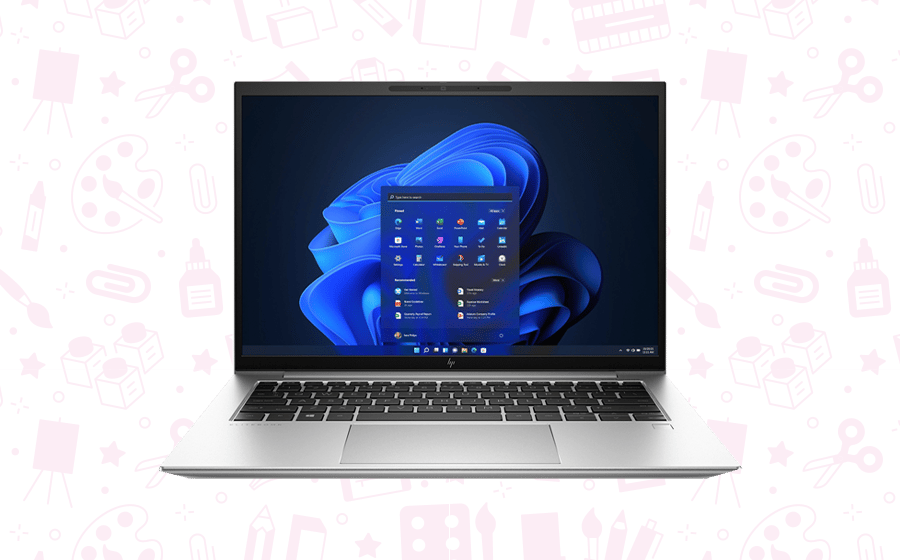
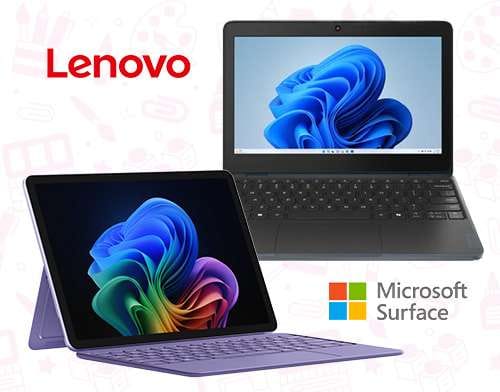
Microsoft Surface Pro and more budget-friendly Lenovo laptops deployed on a Parent 1:1 scheme. These were all set up according to the school’s precise needs before delivery.
M365 licensing – fully supported, including Autopilot and Intune configurations to facilitate a seamless deployment to the school.
Future service provision:
Apple iPads for use within St Gabriel’s Prep School. As we are a Premium Apple Partner, we’ll also be including ASM (Apple School Manager) server enrollment.
What are you waiting for? Join our success stories!
From enhancing digital learning environments to ensuring seamless device management, our case studies showcase our real-world success stories.
Schools such as St Edmunds School, St Gabriel’s School and Bishop’s Stortford College have all benefited from Devices for Education’s solutions and services.
We use cookies to ensure that we give you the best experience on our website. If you continue to use this site we will assume that you are happy with it.